

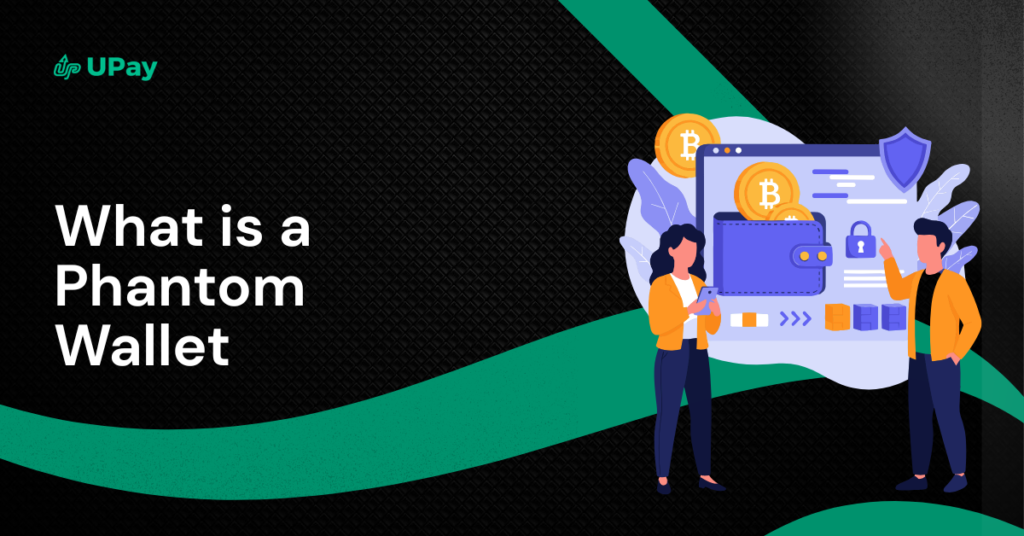
Phantom Wallet is one of the most popular crypto wallets, especially among users who interact with decentralised applications, NFTs, and Web3 platforms. It is best known as a user-friendly wallet designed to make managing crypto simple, even for beginners.
At its core, Phantom Wallet allows users to store, send, receive, and swap cryptocurrencies directly from their browser or mobile device. It also lets users connect securely to Web3 apps without sharing private keys, making it a common choice for everyday crypto use.
In this guide, you will learn what Phantom Wallet is, how it works, its main features, the blockchains it supports, and what to consider before using it.
What Is Phantom Wallet?
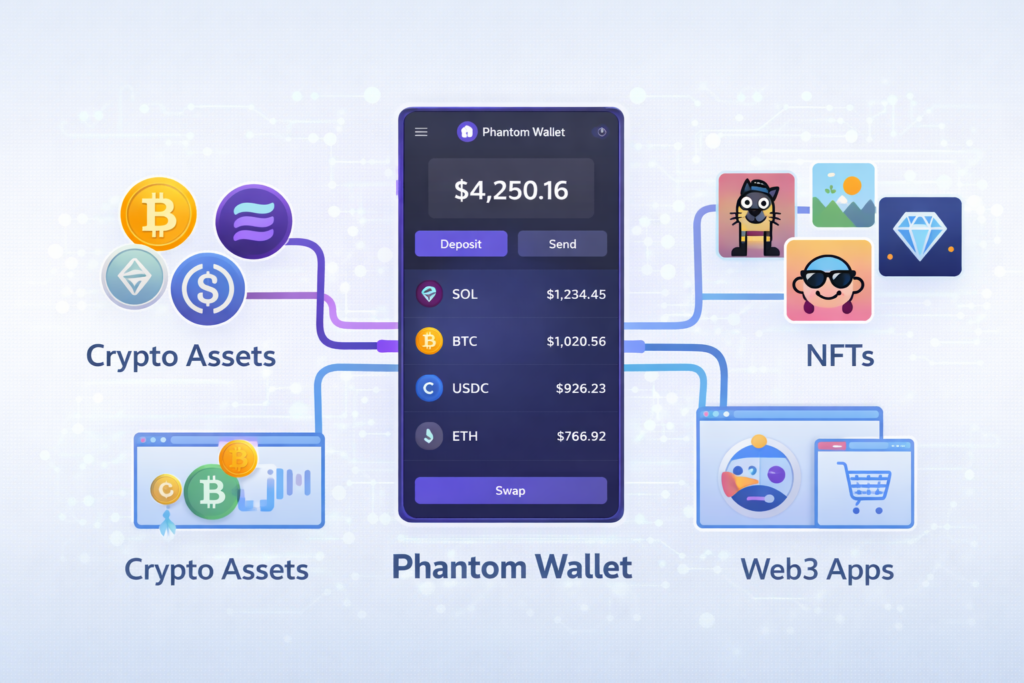
Phantom Wallet is a non-custodial crypto wallet that allows users to store, send, receive, and manage their cryptocurrency securely. Non-custodial means you control your private keys, not the wallet provider. This gives users full ownership of their funds. Unlike a custodial wallet (often an exchange), where a third party holds your private keys, a non-custodial wallet places you in complete control, making the protection of your Secret Recovery Phrase your sole responsibility.
Phantom was originally built for the Solana blockchain, but it has expanded to support other networks as well. It is available as a browser extension and a mobile app, making it easy to access crypto across devices.
Beyond basic storage, Phantom Wallet is designed for Web3 use. It allows users to connect to decentralised applications (dApps), trade tokens, manage NFTs, and interact with DeFi platforms directly from the wallet. All transactions require user approval, helping to keep funds secure.
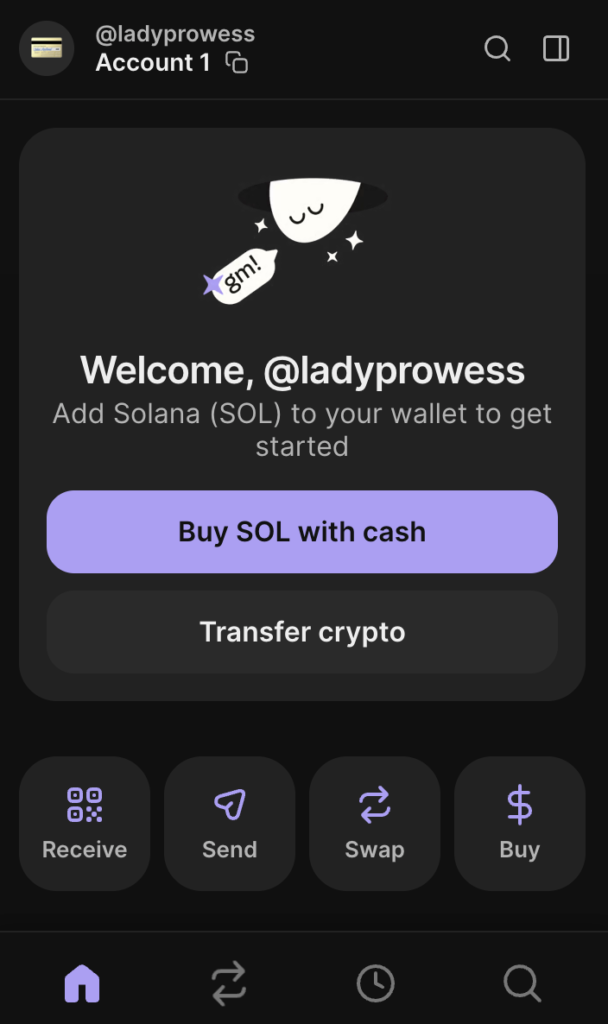
Phantom is known for its simple interface, fast setup, and strong focus on user experience, which is why it is popular among beginners and experienced crypto users alike.
“Phantom Wallet is designed to make using crypto and Web3 simple, especially for everyday users and beginners.”
How Phantom Wallet Works
Phantom Wallet works by acting as a secure bridge between you, the blockchain, and Web3 applications. It does not hold your crypto for you. Instead, it stores your private keys locally on your device and uses them to sign transactions when you approve an action.
When you create a Phantom Wallet, you are given a secret recovery phrase. This phrase is the key to your wallet and your funds. Phantom uses it to generate your private keys, which stay encrypted on your device. No one else, including Phantom, can access your wallet without this phrase.
To send crypto, Phantom signs the transaction with your private key and broadcasts it to the blockchain. To receive crypto, simply provide your public wallet address. When you connect Phantom to a decentralised app, the app can request actions, but nothing happens without your approval inside the wallet.
Phantom also includes built-in features like token swaps and NFT viewing. These actions work the same way: you review the transaction details, approve it, and Phantom signs and submits it to the network.
In simple terms, Phantom Wallet lets you control your crypto, approve transactions, and interact with Web3 safely, all from one interface.
Also Read: Top 10 Free Crypto Mining Apps In 2026
Key Features of Phantom Wallet
Phantom Wallet includes a range of features designed to make managing crypto and using Web3 applications simple and secure.
Non-Custodial Control
Phantom is a non-custodial wallet, meaning you fully control your private keys and funds. Only you can access or approve transactions.
Easy-to-Use Interface
The wallet has a clean and simple design that makes it easy for beginners to send, receive, and manage crypto without confusion.
Multi-Chain Support
Phantom supports multiple blockchains, allowing users to manage different assets from one wallet instead of switching between apps.
Built-In Token Swaps
Users can swap tokens directly inside Phantom without leaving the wallet. The wallet finds available swap routes and shows estimated fees before you confirm.
NFT Support
Phantom allows users to view, send, and manage NFTs in one place. NFTs are displayed clearly, making it easy to track collections.
Secure dApp Connections
Phantom connects safely to decentralised applications. Apps must request permission, and every transaction requires manual approval.
Mobile and Browser Access
Phantom is available as a browser extension and a mobile app, allowing users to access their wallet across devices.
Privacy and Security Tools
The wallet includes features like transaction previews and warnings to help users avoid scams or suspicious activity.
Blockchains Supported by Phantom Wallet
Phantom Wallet was originally built for Solana, and that remains its core supported network. Over time, it has expanded support to include several additional blockchains, making it more versatile for users who hold assets across different ecosystems.
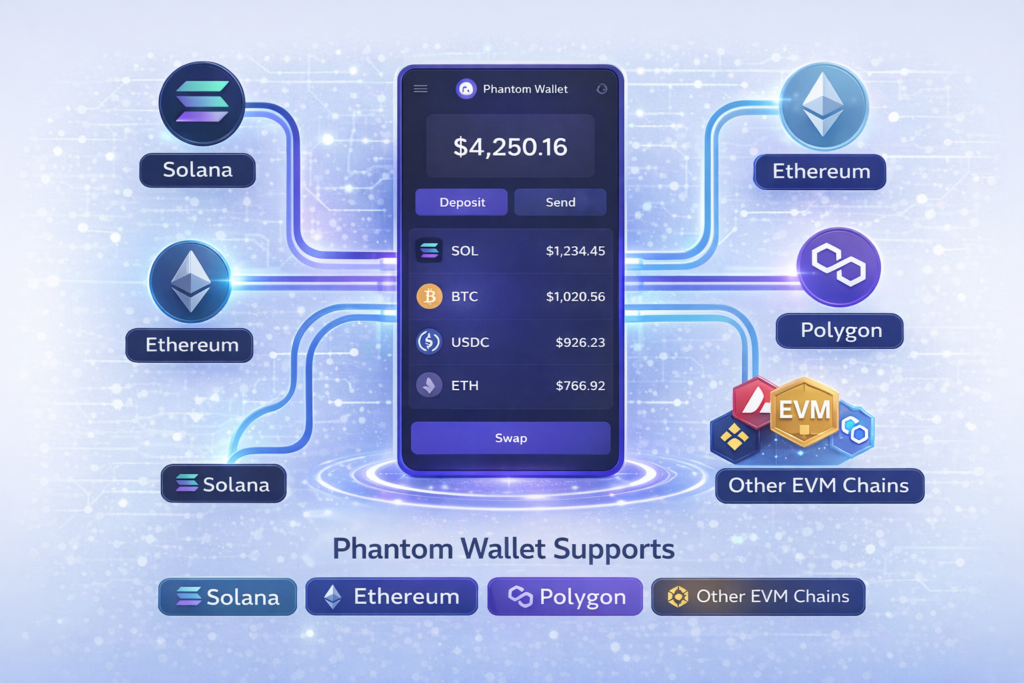
Here are the main blockchains you can use with Phantom:
Solana (SOL)
Phantom’s primary network. Solana is known for fast transactions and low fees. Most users connect to Solana dApps, DeFi platforms, and NFTs through Phantom.
Ethereum (ETH)
Phantom supports Ethereum assets via Ethereum Virtual Machine (EVM) compatibility. This allows users to manage popular tokens and interact with Ethereum dApps.
Polygon (MATIC)
Through EVM integration, Phantom supports tokens on the Polygon network, which is known for low-cost transactions and strong DeFi and NFT activity.
Other EVM-Compatible Chains (via Cross-Chain Support)
Phantom can connect to other EVM-compatible chains as well, such as Binance Smart Chain (BSC) and Avalanche, enabling users to hold and transact crypto assets from those ecosystems.
Layer 2 Networks (via EVM)
Phantom also supports Layer 2 chains that are EVM-compatible, expanding its reach to networks designed for cheaper and faster transactions.
“Phantom is safe when used correctly, but your security depends on how well you protect your recovery phrase.”
Is Phantom Wallet Safe?
Phantom Wallet is considered safe for everyday crypto use when used correctly. It is a non-custodial wallet, which means you control your private keys, not Phantom or any third party. This gives users full ownership and responsibility over their funds.
Here are the key security aspects to understand:
Non-Custodial by Design
Your private keys and secret recovery phrase are stored locally on your device and are never shared with Phantom’s servers. This reduces the risk of centralised hacks.
Secret Recovery Phrase Protection
When you create a wallet, Phantom gives you a recovery phrase. Anyone with this phrase can access your funds, so it must be stored offline and kept private. Phantom will never ask for it.
Transaction Approval System
Every transaction must be manually approved inside the wallet. This prevents apps or websites from moving your funds without your permission.
Built-In Scam and Risk Warnings
Phantom displays warnings for suspicious transactions, unknown tokens, and potentially harmful dApp interactions. This helps users avoid common scams.
Secure dApp Connections
When connecting to decentralised apps, Phantom clearly shows what permissions are being requested, allowing users to approve or reject access.
Open Security Audits and Updates
Phantom regularly updates its software to fix bugs and improve security, which is important for staying protected against new threats.
Phantom Wallet Fees Explained
Phantom Wallet itself is free to download and use. There are no charges for creating a wallet, storing crypto, or receiving assets. However, some fees still apply when you use the wallet for transactions.
Here is how fees work in Phantom Wallet:
Network (Gas) Fees
Every blockchain transaction requires a network fee. These fees are paid to the blockchain network, not to Phantom.
- On Solana, fees are usually very low
- On Ethereum and EVM networks, fees depend on network congestion
Token Swap Fees
When you swap tokens inside Phantom, the wallet uses third-party liquidity providers. A small fee or spread may be included in the swap rate, along with the normal network fee. Phantom shows an estimate before you confirm.
NFT Transactions
Buying, selling, or transferring NFTs also requires network fees. The cost depends on the blockchain used.
No Hidden Wallet Fees
Phantom does not charge account maintenance fees, withdrawal fees, or storage fees.
How to Set Up a Phantom Wallet
Setting up a Phantom Wallet is quick and beginner-friendly. You can do it in a few simple steps on your browser or mobile phone.
Step 1: Download Phantom Wallet
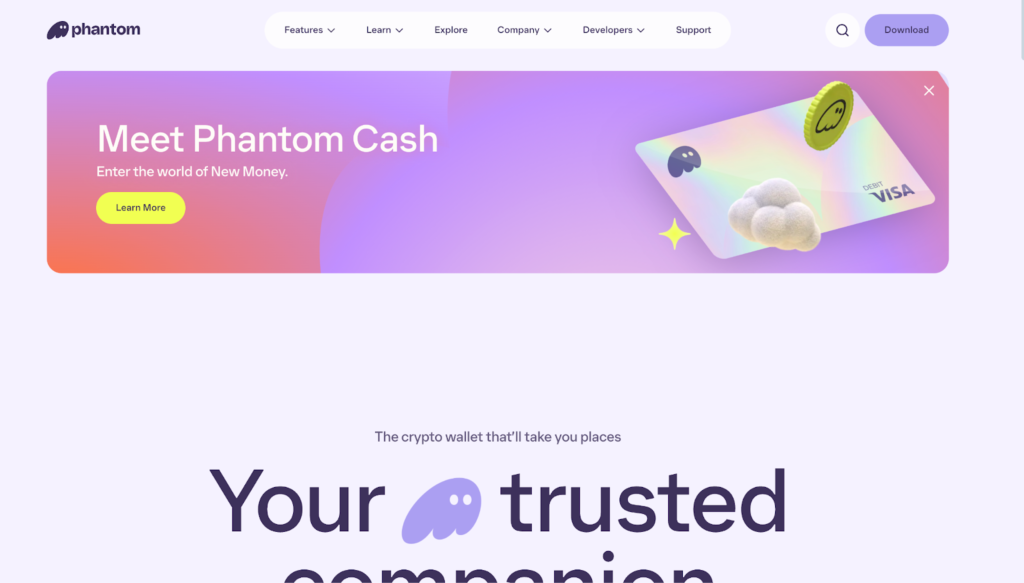
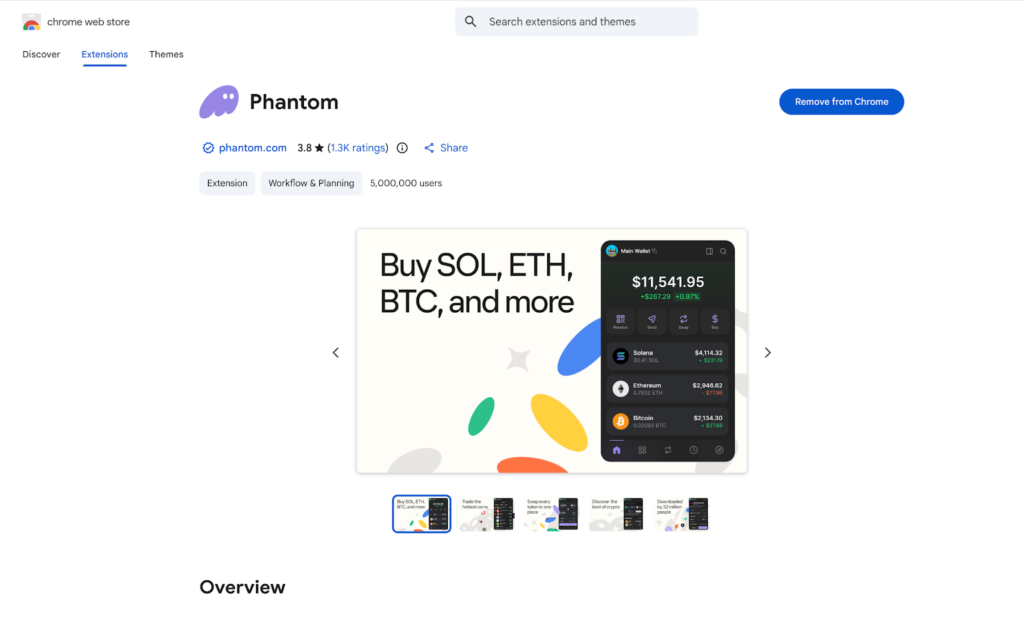
Go to the official Phantom website or your app store and download the wallet. Make sure you are using the official source to avoid fake or scam apps.
Step 2: Create a New Wallet
Open the app or browser extension and select Create New Wallet. Phantom will guide you through the setup process.
Step 3: Save Your Secret Recovery Phrase
Phantom will show you a secret recovery phrase. This phrase is the only way to recover your wallet if you lose your device.
- Write it down on paper and store it somewhere safe.
- Do not save it online or share it with anyone.
Step 4: Set a Password or Biometric Lock
Create a strong password for daily access. On mobile, you can also enable fingerprint or face ID for extra security.
Step 5: Choose Your Network
Phantom will automatically set up supported blockchains. You can start using Solana right away and add other supported networks when needed.
Step 6: Fund Your Wallet
You can add crypto by receiving it from another wallet or buying through supported on-ramps, depending on your location.
Pros and Cons of Phantom Wallet
Like every crypto wallet, Phantom Wallet has strengths and limitations. Understanding both helps you decide if it is the right choice for you.
“Phantom is ideal for Solana users, but it may not suit those who need very broad multi-chain support.”
Pros
- Beginner-Friendly Interface: Phantom is easy to use, even for people new to crypto. Sending, receiving, and connecting to dApps is simple and clear.
- Strong Solana Support: Phantom offers excellent support for Solana, including fast transactions and low fees, making it a top choice for Solana users.
- Built-In Token Swaps: Users can swap tokens directly inside the wallet without using external platforms.
- NFT Management: Phantom makes it easy to view, send, and manage NFTs in one place.
- Secure Non-Custodial Design: You control your private keys, giving you full ownership of your crypto.
- Available on Mobile and Browser: You can access Phantom on both desktop and mobile devices.
Cons
- Limited Native Blockchain Support: Phantom focuses mainly on Solana and selected EVM chains. Users needing wide multi-chain support may prefer other wallets.
- No Desktop App: Phantom is available as a browser extension and mobile app, but not as a standalone desktop application.
- User Responsibility for Security: As a non-custodial wallet, losing your recovery phrase means losing access to your funds.
Final Thoughts
Phantom Wallet stands out as a simple and reliable crypto wallet designed for everyday use. Its non-custodial structure gives users full control over their funds, while its clean interface makes it easy to send crypto, manage NFTs, and interact with Web3 applications without unnecessary complexity.
For users active in the Solana ecosystem, Phantom is one of the best wallet options available. It also offers enough multi-chain support to meet the needs of many users who want flexibility without managing multiple wallets.
Like all non-custodial wallets, Phantom requires users to take responsibility for their security. Protecting your recovery phrase and staying alert to scams are essential.
Overall, Phantom Wallet is a strong choice for beginners and experienced users who value ease of use, speed, and seamless Web3 access.
FAQs
Is Phantom Wallet free to use?
Yes. Phantom Wallet is free to download and use. You only pay blockchain network fees when you send, swap, or interact with crypto and NFTs.
Can Phantom Wallet be hacked?
Phantom itself is secure, but users can lose funds through phishing links, fake websites, or sharing their recovery phrase. Most risks come from user mistakes, not the wallet.
Can I recover my Phantom Wallet if I lose my device?
Yes, as long as you have your secret recovery phrase. You can restore your wallet on a new device using that phrase.
Does Phantom Wallet support NFTs?
Yes. Phantom allows you to view, send, and manage NFTs directly inside the wallet, especially on the Solana network.
Is Phantom Wallet good for beginners?
Yes. Phantom is known for its simple interface and easy setup, making it a good choice for beginners who want to use crypto and Web3 safely.